To enable 2FA using Google Authentication, please go to the security settings tab of your ticket system user profile.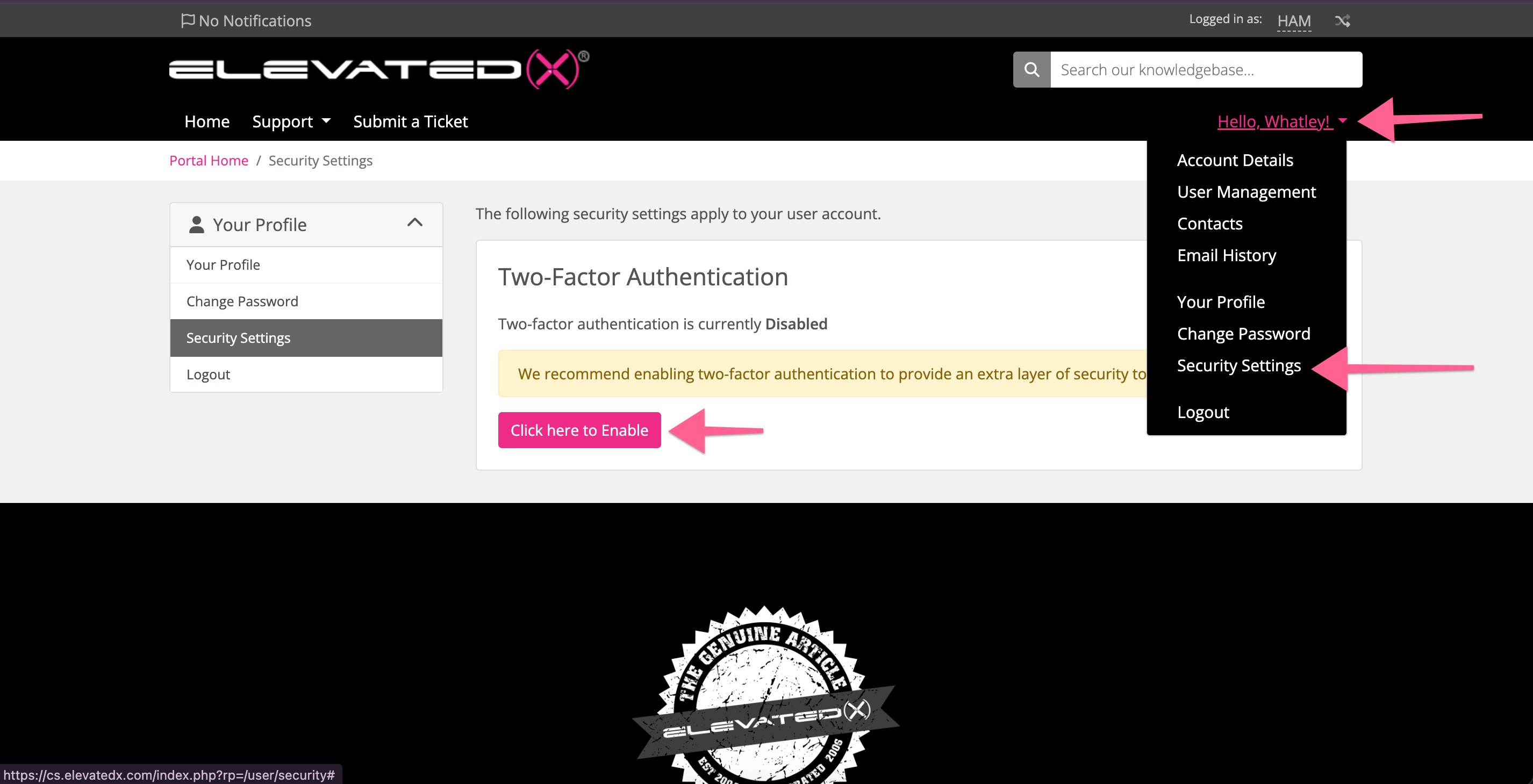
After you set up 2FA you should be required for each login.
For more detailed instructions, please visit:
https://docs.whmcs.com/9-0/system/authentication/authentication-tutorials/enable-2fa-for-clients/
Please let us know if you have any issues with this.